

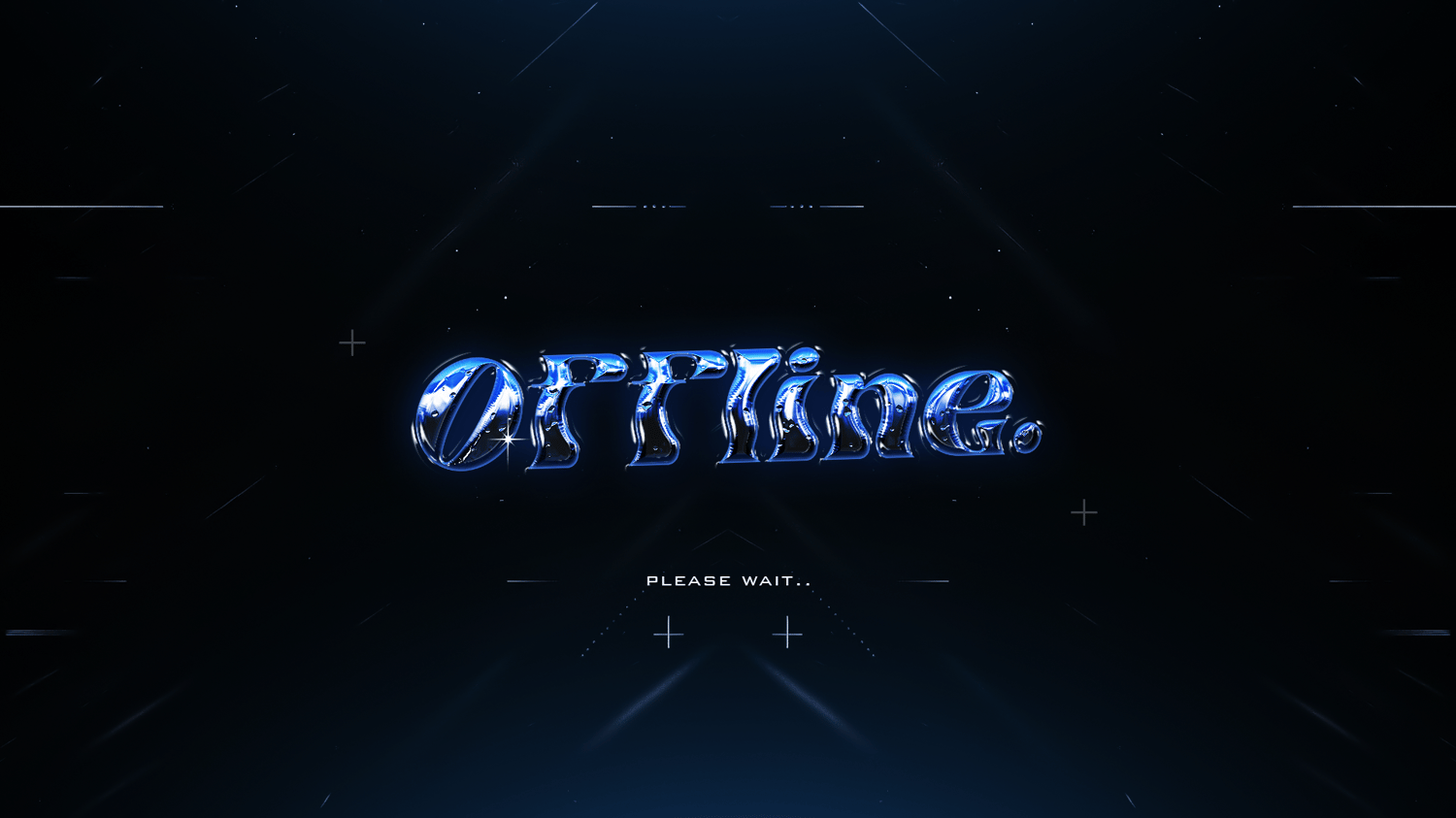
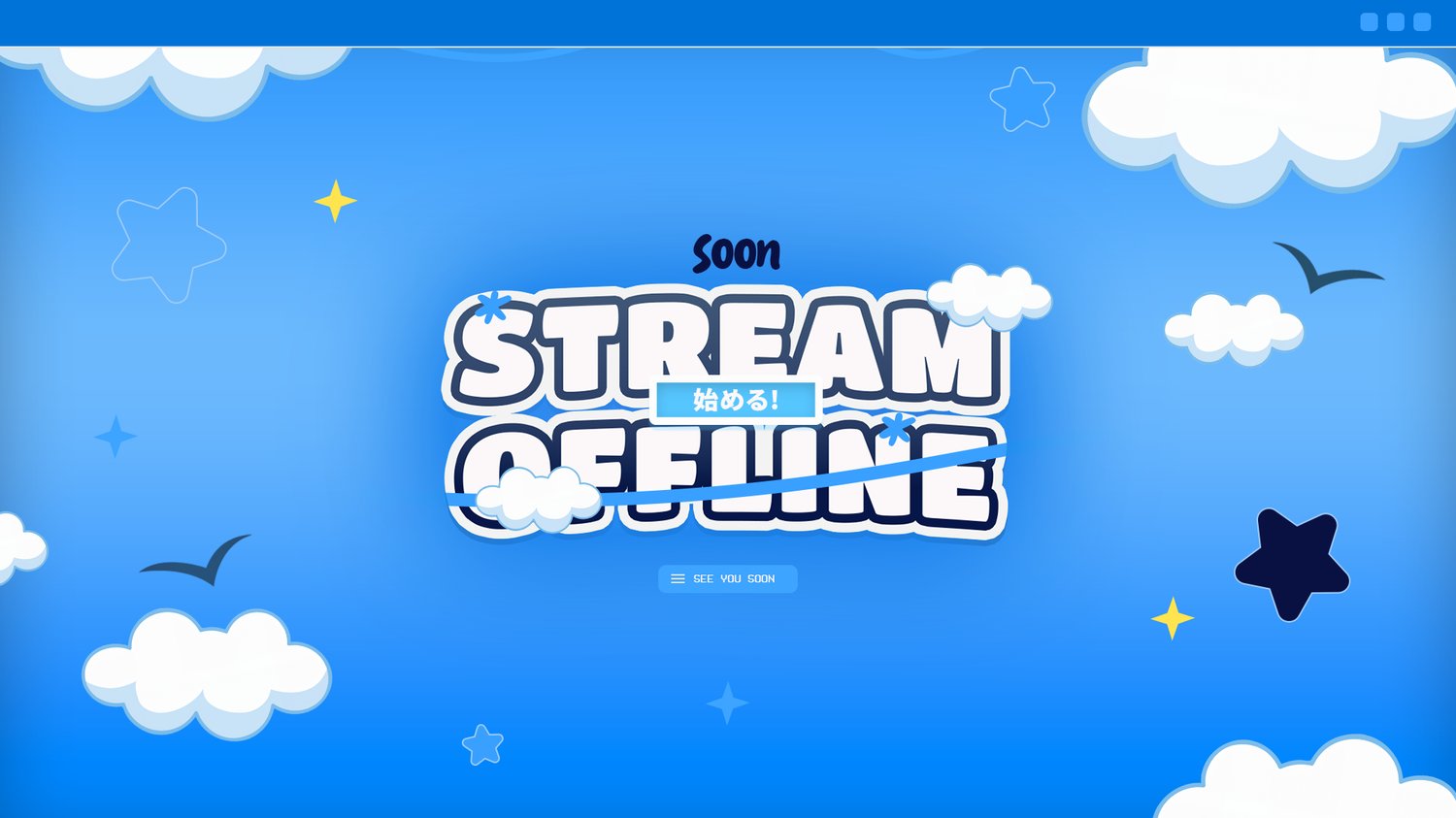
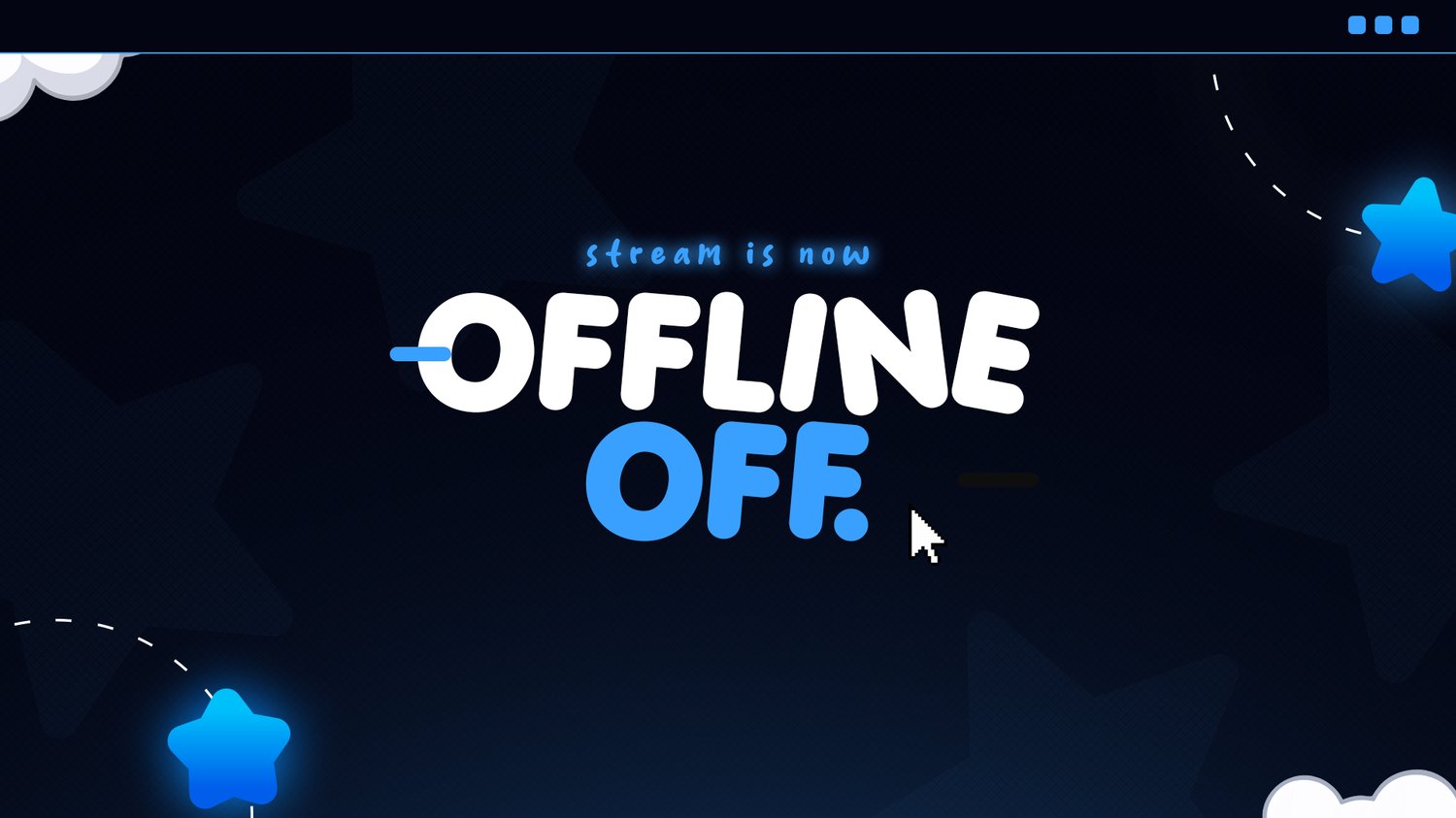
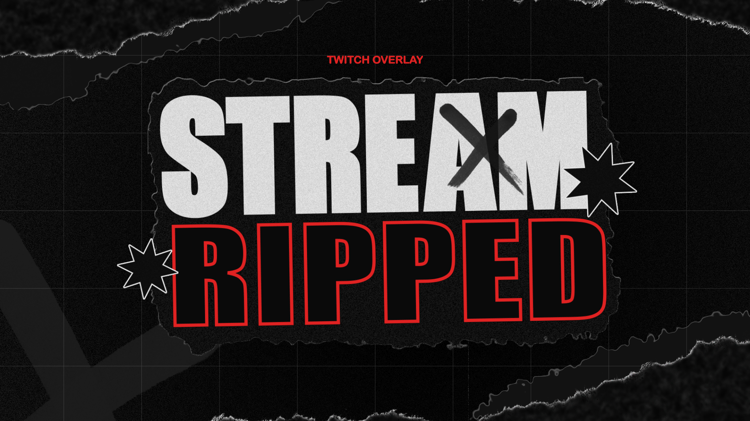
How to Add Your Offline Banner to Twitch
- Open Twitch and go to your Creator Dashboard.
- Open Settings → Channel.
- Find your Brand settings.
- Find the Video Player Banner / Offline Image section.
- Upload your downloaded banner.
- Save your changes.
- Done! 🎉
Want to take your stream further?

Get 20% Off Your First Order 🎉
Join the newsletter for new releases, free resources and exclusive discounts.